Permissions: How we make sure your assistant does not go rogue?
How Radish keeps AI assistants from going rogue — OAuth scopes you control, tool-level Ask/Auto permissions, and a permission layer the agent can't bypass.

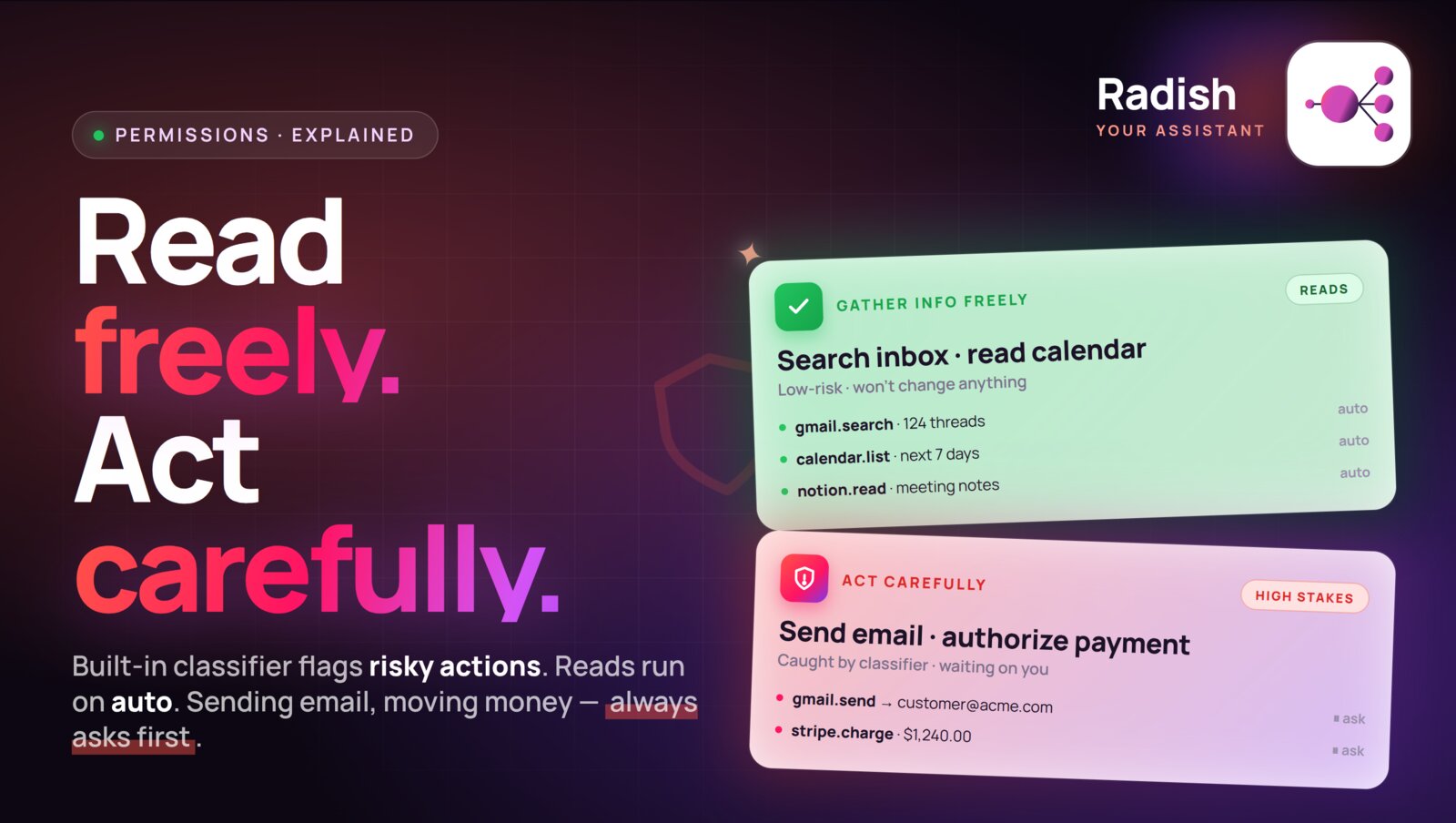
How do we make sure your assistant doesn’t go rogue?
One of the questions we got during our first round table with customers was about permissions. We encourage you to connect tools you use for your daily work - your email account, your calendar, file storage, document system, CRM and the rest of your company stack. Giving all of that to AI may feel scary, hearing stories about data being deleted, leaked, OpenClaw going rogue.
There are two layers of permissions at your disposal: Radish Permissions and our Authentication integration with external products and data sources.
Authentication
Let’s start with the latter. Radish uses industry standard OAuth2 for requesting access to the systems you are connected. OAuth2 comes with two primitives which put you in control: scopes and revocation. Scopes define what actions can be performed after authorization. Radish will always request minimal set of scopes required to perform the actions. You can audit it during the authentication flow and choose what you grant or don’t grant.
Second, OAuth2 applications allow access revocation at any time if you need a killswitch. If something goes wrong, you can always disable access for the Radish application and be safe.
Radish Permissions
Permissions are a first class citizen in Radish. Radish interacts with other systems using tools. Each tool is responsible for a single job. For example gmail_search_email tool allows Radish to perform search over a mailbox, while calendar_create_event tool lets the assistant create new events in your calendar.
Each tool, when it is being built, is classified whether it’s focused on information gathering or not. From that we define a simple and effective permission model:
- Information gathering tools are by default allowed to run without asking for permission - (Auto)
- All other tools are required to ask for permission - (Ask)
These classifications can be viewed in the Integrations tab for every tool where you can see two options: Ask or Auto. You can change the default behavior in that same tab. If you would rather have the assistant ask you every time it’s accessing your employee database, you can flip the corresponding tool permission to Ask. If you have seen your assistant reliably triaging your inbox with labeling emails and creating draft, you can allow it to run autonomously by changing tool permission to Auto.
Permission model is external to the assistant and because of that it cannot be bypassed by “AI going rogue”. Every single time the assistant wants to call any of the tools, the call is intercepted and permissions are validated.
How is that different from OpenClaw?
There is a lot to unpack here in design decision differences between OpenClaw an Radish. OpenClaw needs a machine to run on as it needs access to computer to run most of the tools and integrations. While it gives the OpenClaw assistant a lot of power as it can utilize a computer, it creates a lot of problems. Users are burdened with configuring the permissions right requiring them to really understand both how OpenClaw works and how to deploy best security practices for systems: sandboxing, multi-level permission layers, storage of secret and their injection to the agent context and many more.
Our approach is different. We are building Radish with focus on the user who wants to get stuff done and have security, permissions, hosting, sandboxing, access to vetted skills taken care of. We don’t want you to spend hours configuring and reconfiguring OpenClaw every day or buy a MacMini to give your claw home to mess around with. Our philosophy is that starting up should take you 30 seconds with your assistant living the cloud, all the right defaults preconfigured, security and permissions baked into the system so you can delegate with confidence and focus on doing rather than setting up.
See permissions in action
Here is a quick preview of permissions in actions: